
 By Camille
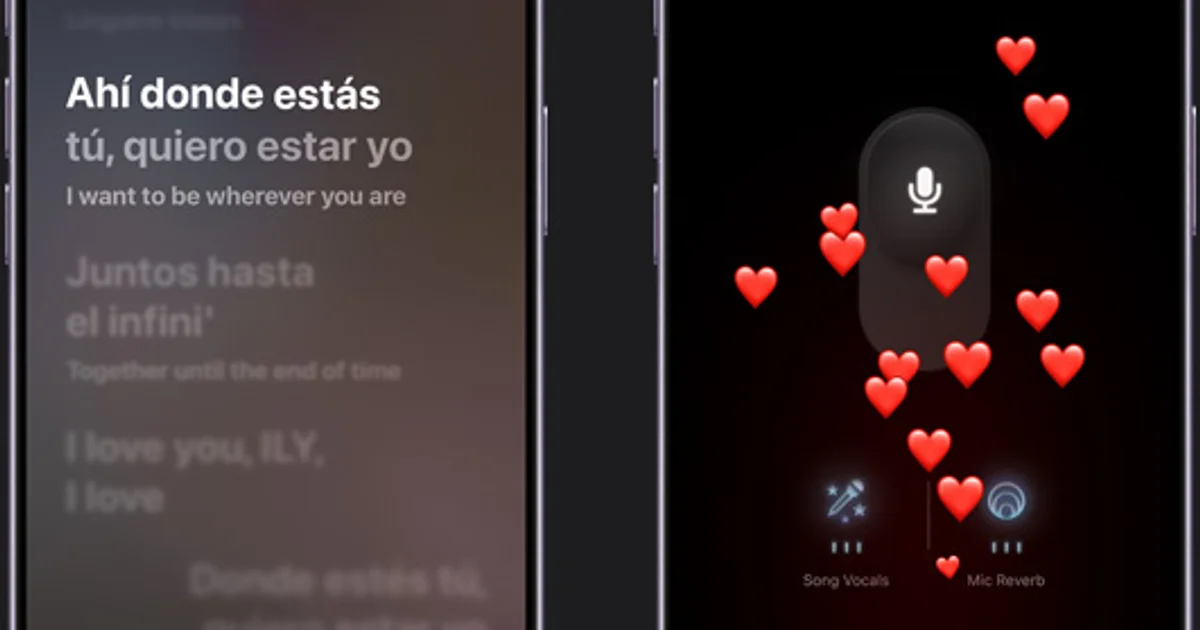
Apple Music Sing already makes it possible to follow synchronized lyrics and reduce the prominence of a song's original vocals.
Selfie Sing adds the missing video component.
The first developer beta of iOS 27.3 introduces an interface that combines camera capture, karaoke playback and simple post-recording audio effects.
The experience is designed to operate entirely within Apple Music until the finished clip is saved or shared.
That is the practical difference from recording an ordinary selfie video while trying to manage music and lyrics separately.
The feature was discovered by Aaron Perris and subsequently examined by several technology publications during the November 3 and 4 beta period.
Apple has not yet published a complete technical specification.
As a result, early observations provide a useful picture of the interface but not a definitive list of release requirements.
Starting a Selfie Sing recording
Users running the appropriate developer beta can open Apple Music and search for the Selfie Sing playlist.
The collection contains tracks that support the video feature.
Selecting a compatible song reveals a camera control within the music playback interface.
Tapping the control opens a camera view while keeping the song lyrics visible.
A red record button starts capturing the performance.
The lyrics scroll in time with the music, removing the need for an additional screen.
The recorded video uses a vertical format.
This makes the output suitable for casual phone viewing and common social-video layouts, although individual platform requirements may differ.
Early tests indicate a maximum recording duration of approximately one minute.
That limit makes Selfie Sing more suitable for a short chorus or excerpt than a complete performance of a typical song.
Apple has not confirmed whether the restriction will remain in the final version.
What the four vocal effects actually offer
After the video has been captured, the application presents several ways to modify the sound.
Users can adjust the level of their recorded voice.
They can also choose among four effects: Megaphone, Echo, Concert Hall and Studio.
These options provide different sound treatments without requiring audio-editing software.
The post-recording vocal control is separate from the original Apple Music Sing feature that lowers the singer's voice in the source track.
The distinction is relevant when evaluating what Selfie Sing adds.
Traditional Sing modifies the listening balance. Selfie Sing records the user's performance and offers adjustments afterward.
There is currently no published technical evidence establishing a new automatic pitch-correction system or professional-grade vocal processing.
Apple has not released measurements for latency, separation quality or recording fidelity.
Once editing is complete, the result can be saved to the Photos library or shared through available iOS options.
Why seeing the playlist does not guarantee access
Some users have noticed Selfie Sing in Apple Music without installing iOS 27.3.
That is possible because the playlist itself is separate from the recording feature.
The collection can appear in Apple Music on iOS 27.2.
However, the camera control used for Selfie Sing recording has only been confirmed in the iOS 27.3 developer beta.
Users running the regular public software should therefore not assume the feature is available merely because the playlist appears.
Selecting a supported track also matters.
The initial playlist contains approximately 49 songs according to hands-on coverage.
The broader Apple Music catalog does not automatically support the feature.
A track can have synchronized lyrics and still lack Selfie Sing recording compatibility.
The list may expand before release, but no complete expansion schedule has been confirmed.
A special camera workflow on iPhone Duo
AppleInsider and other early coverage have identified Selfie Sing support on the iPhone Duo.
The device can use its rear cameras for a selfie-oriented recording arrangement while displaying the lyrics on its outer screen.
That differs from the normal front-camera experience used on conventional iPhones.
The behavior illustrates how the application can adapt to different hardware configurations.
It does not establish that every iPhone capable of installing iOS 27.3 will support the feature.
Apple has not yet released a dedicated device compatibility table for Selfie Sing.
Requirements for the existing Apple Music Sing feature should not automatically be treated as confirmed requirements for the new video mode.
AppleInsider also reports that the camera feature was not present on an iPad Pro running the corresponding iPadOS beta during its testing.
The currently documented experience is therefore primarily an iPhone feature.
The Animoji seen in early videos is not part of Selfie Sing
One early demonstration used an animated character instead of displaying the recorder's face.
That led to understandable questions about whether Selfie Sing includes Animoji recording.
Aaron Perris clarified that the character was used to conceal his appearance in the demonstration.
It was not evidence of a built-in Animoji mode.
The confirmed feature set concerns video capture, synchronized lyrics, vocal-level adjustments and the four audio effects.
No native animated-avatar recording capability has been confirmed for this release.
Landscape lyrics gain a visual upgrade
Selfie Sing is not the only Apple Music change in iOS 27.3.
The beta also modifies the landscape lyrics presentation.
According to 9to5Mac, animated artwork associated with the currently playing track extends further into the lyrics view.
The result creates a more continuous visual background instead of separating artwork and text as distinctly.
A related presentation was previously available on iPhone Duo.
The update extends the experience to other supported iPhone models.
This is a visual interface improvement rather than a new audio-processing feature.
It does not change a track's resolution, codec or underlying playback quality.
Both changes place more emphasis on the visual side of Apple Music, although they serve different purposes.
Selfie Sing creates a new recording. The landscape update changes how existing synchronized lyrics are displayed.
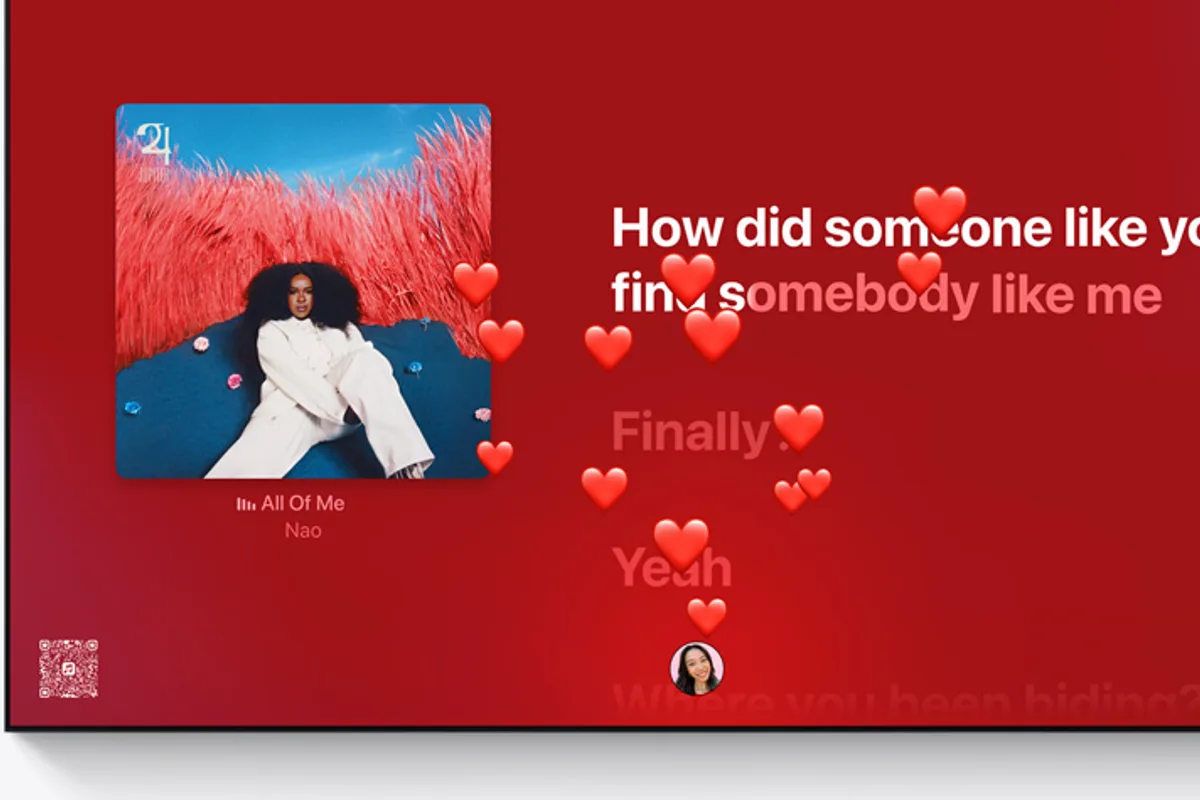
Official Apple Music Sing imagery illustrates the existing synchronized-lyrics experience. It is not a screenshot of the new iOS 27.3 landscape layout.
Device support and public availability remain open questions
The developer beta began rolling out on November 3, 2026.
Selfie Sing has been demonstrated on compatible iPhones running that release.
There is still no complete official list of supported models or countries.
Testing has been reported in the United Kingdom and Germany, but isolated beta availability does not guarantee an identical final rollout in every market.
The existing Apple Music Sing mode generally requires a supported device and an Apple Music subscription.
Because Selfie Sing builds upon that feature, subscription access is likely relevant, but Apple has not issued a complete separate set of final commercial requirements.
The company is expected to release iOS 27.3 publicly in December 2026.
However, that expected operating-system schedule does not establish an exact public launch date for Selfie Sing.
Beta features can be modified, delayed or removed before a stable release.
Should users install the beta just for Selfie Sing?
The feature is functional enough to demonstrate its intended workflow.
That does not mean installing a developer beta is the best decision for every iPhone owner.
Pre-release operating systems can introduce stability problems, reduced battery life or incompatibilities with frequently used applications.
Anyone relying on their phone for daily work may prefer to wait for the public update.
Meanwhile, the established Apple Music Sing functionality remains available on supported devices without installing this particular beta.
Selfie Sing adds convenient video recording but remains constrained by a limited song library and short clips.
It is unlikely to replace dedicated video editors for users who need precise audio mixing, longer recordings or more complex production.
For casual karaoke, however, the integrated approach is appealing.
Users can move from song selection to recording and sharing without building a separate workflow.
The first beta confirms that this experience is technically possible. The remaining questions concern how broadly Apple will support it, whether the current limits will change and exactly when it will reach the public version of Apple Music.