
 By Camille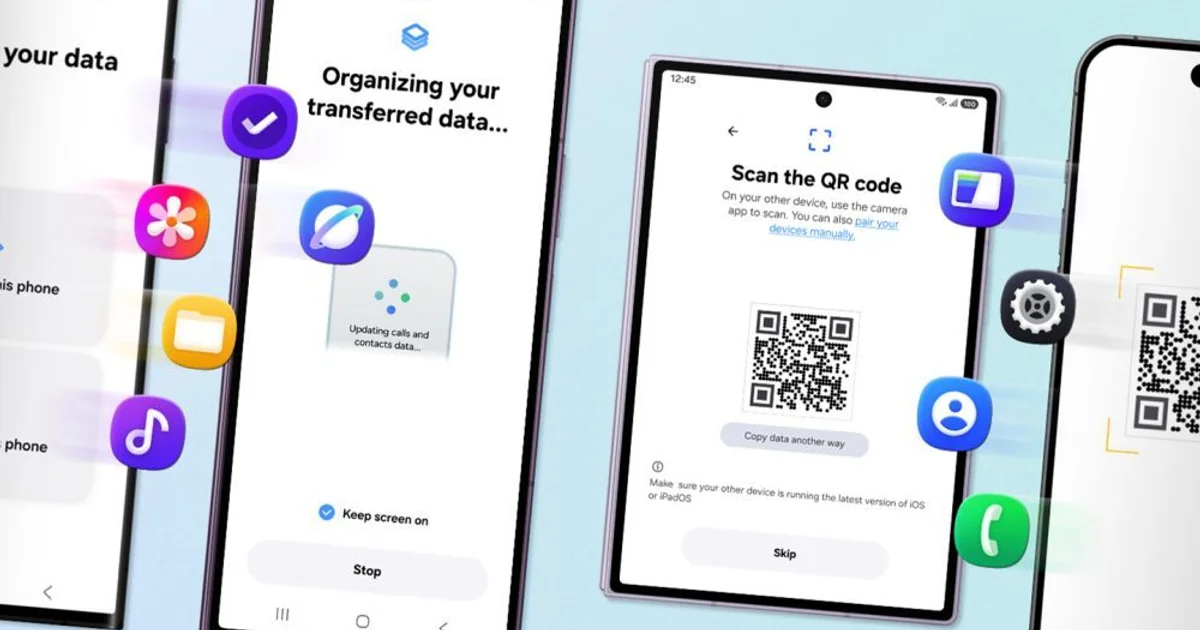
On the new Galaxy Z Fold8 Ultra, Z Fold8 and Z Flip8, One UI 9 can begin an iPhone migration without asking the user to install a separate Smart Switch app on the iOS device. The Galaxy displays a QR code, the iPhone scans it, and the wireless transfer process starts from there.
Smart Switch is expanding beyond the easy data
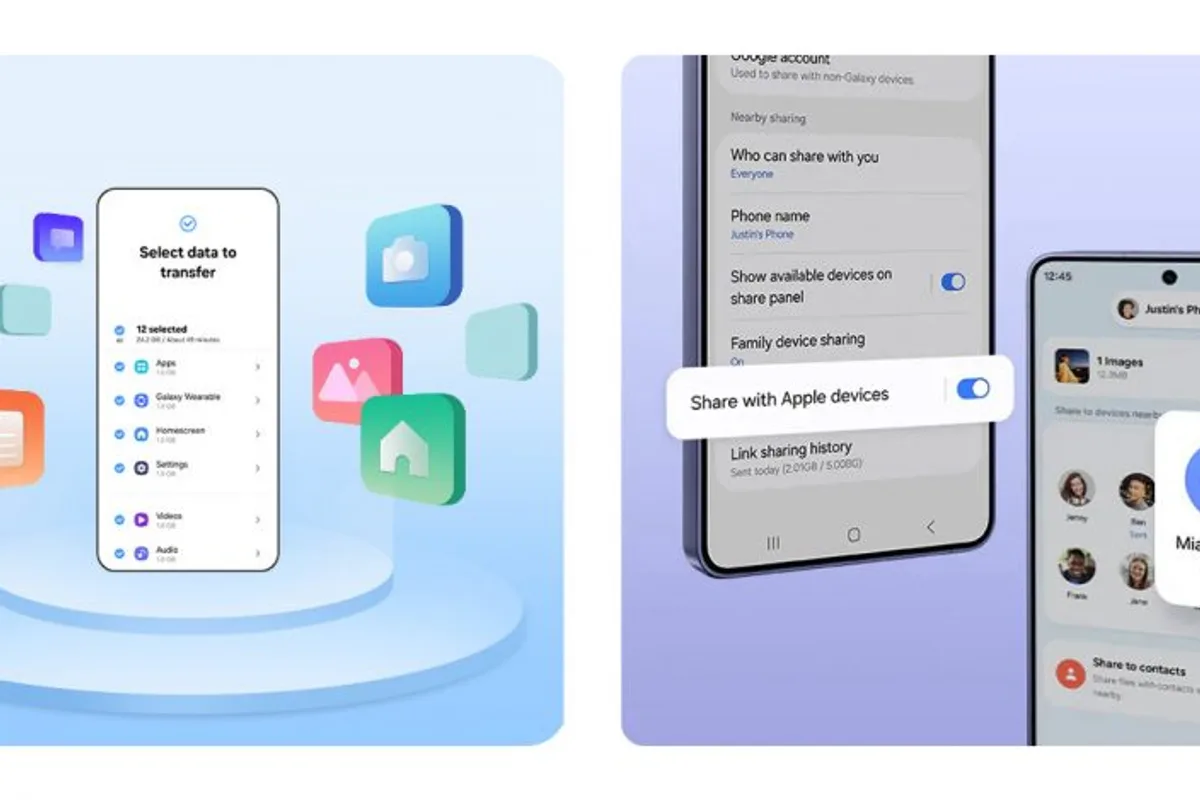
The familiar categories are still there: photos, messages, contacts, calendars, apps and settings. Samsung now says the migration can also include passwords and passkeys, call history, accessibility settings and eSIM information.
Those additions change the setup experience more than their place on a feature list might suggest. A photo library is large but passive. Account credentials and accessibility preferences immediately determine whether the new phone is usable in the same way as the old one.
Passkeys are especially relevant as more services move away from traditional passwords. Leaving credentials tied to the previous device creates exactly the sort of ecosystem friction that makes users reconsider switching platforms.
There are version and regional limits
Samsung's upgraded iOS-to-Galaxy method requires Android 17 or later on the receiving device and iOS 26.6 or later on the iPhone. It is available outside mainland China.
The company also warns that transferable data varies by operating system, OS version and connection method. The new list should therefore be read as supported categories, not a guarantee that every piece of every user's configuration will arrive unchanged.
This is also part of a broader Android 17 migration overhaul rather than an entirely isolated Samsung invention. One UI 9 packages that platform work into Samsung's own setup flow on its latest foldables.
Switching ecosystems matters after setup day too
Samsung is pairing the migration improvements with its cross-platform Quick Share work. Compatible Galaxy devices can exchange files with Apple's AirDrop environment, which matters once the new Galaxy owner goes back to a household or workplace full of iPhones.
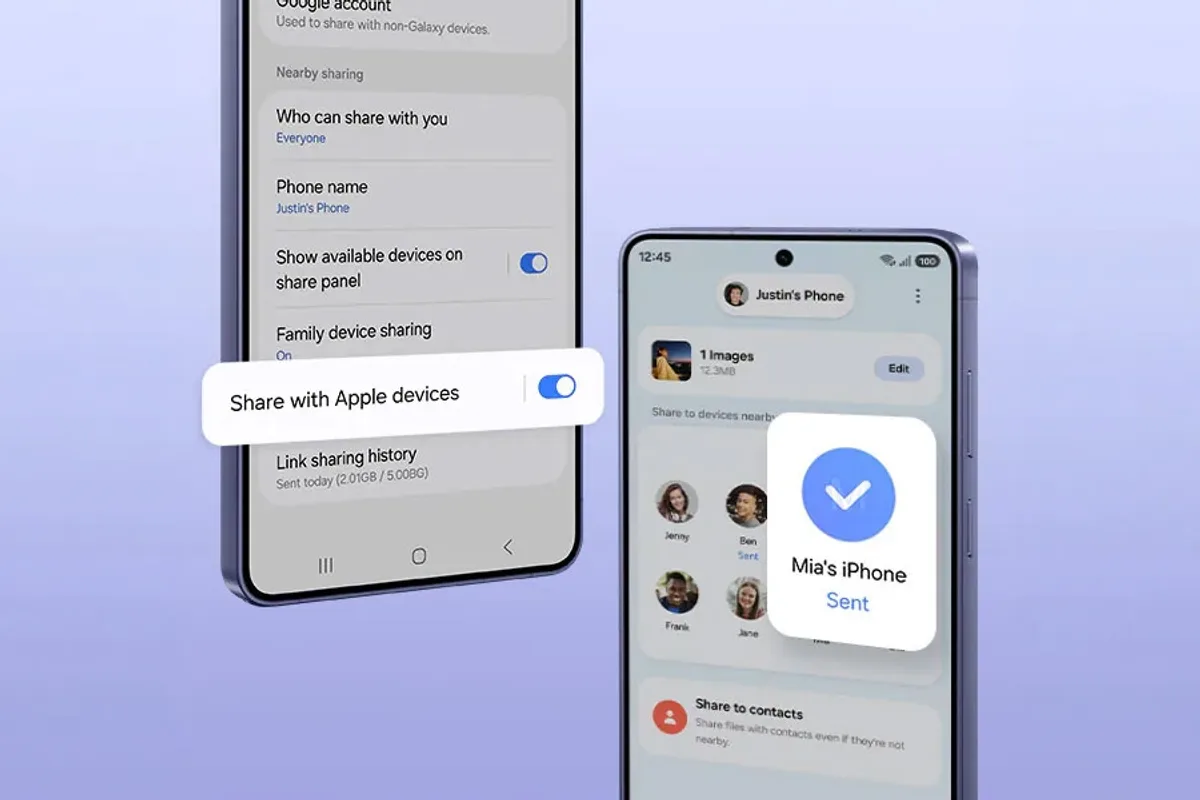
Samsung says One UI 9 and One UI 8.5 devices can benefit from the iOS sharing experience, but the rollout is not universal yet. The initial supported flagship list includes the Galaxy Z Fold8 Ultra, Z Fold8, Z Flip8 and Galaxy S26, with more models due later.
Good Lock and One UI customization can then handle a different kind of migration: familiar gestures, home-screen organization and app-switching behavior. None of that turns a Galaxy into an iPhone. It reduces how much muscle memory has to be rebuilt on day one.