
 By Tsuky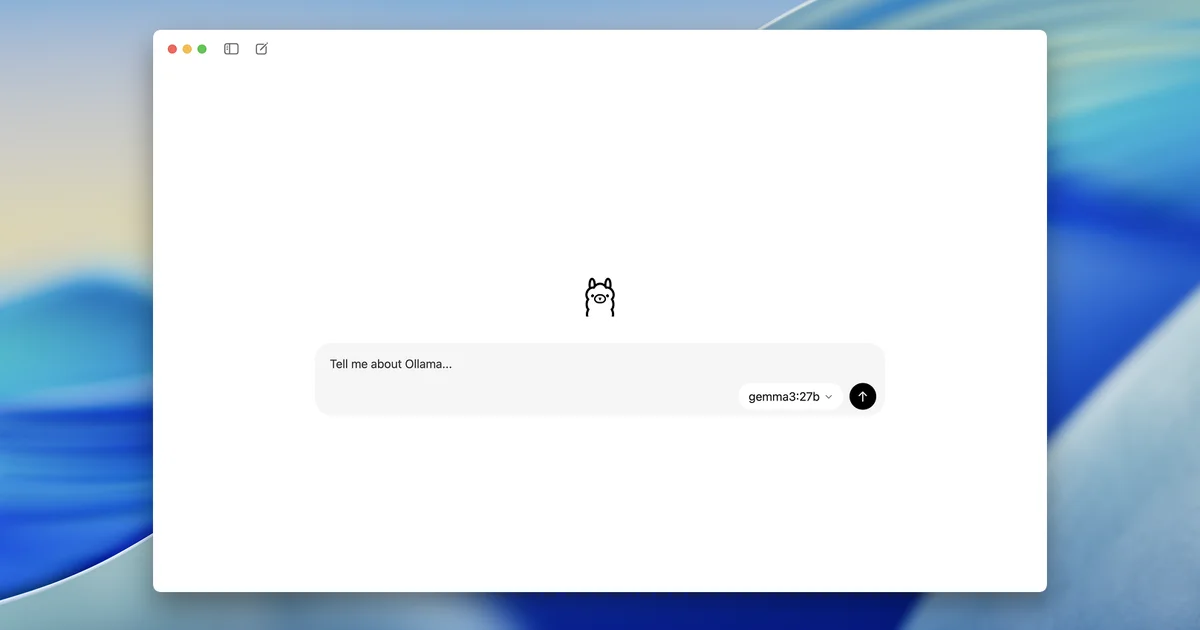
Ollama's 0.34 release notes introduce direct support for using Ollama models inside ChatGPT Desktop. The current setup path is available through the Ollama application on macOS.
That removes a layer of friction from a workflow that was already technically possible in various forms. Ollama has long provided a local API, while third-party front ends and developer tools could be configured to talk to it.
The difference is convenience. A user no longer necessarily has to leave a desktop interface they already know simply because the model has moved from a remote service to their own hardware.
The interface and the inference engine are becoming separate choices
Ollama exposes an API locally, normally through port 11434, and implements compatibility with parts of the OpenAI API. Existing software can therefore be redirected toward an Ollama instance with relatively little integration work.
Version 0.34 turns that underlying flexibility into a more direct ChatGPT Desktop workflow.
If the selected Ollama model is running locally, inference is performed on the machine hosting Ollama. That can be useful when working with private source code, local documents or environments where sending every prompt to a remote inference service is undesirable.
Ollama itself is no longer exclusively local, however. Its Cloud models can offload larger workloads to Ollama's infrastructure, so the same ecosystem now covers both local execution and remote models.
This specific integration is narrower than Ollama's platform support
Ollama runs on macOS, Windows and Linux. The ChatGPT Desktop setup announced in 0.34 is explicitly described as available from the Ollama app on macOS.
That distinction matters. General Ollama support on an operating system does not automatically mean this particular ChatGPT integration has the same setup path there.
On macOS, Ollama currently requires Sonoma 14 or later. Apple Silicon systems receive GPU acceleration through Metal, while Intel Macs operate through CPU support.
A nicer menu cannot negotiate with physics
Running a model locally still means fitting its weights, cache and context requirements into the resources available on the computer.
Ollama currently scales its default context length according to VRAM. Systems below 24 GiB default to 4K context, machines between 24 and 48 GiB use 32K, and systems with at least 48 GiB default to 256K.
The documentation recommends at least 64K for workloads such as agents, web-oriented tasks and coding tools that need to retain more information.
Increasing context also raises memory use. Connecting a large model to an elegant desktop client does not make the underlying memory bill disappear.
Structured output gets an Apple Silicon improvement
Ollama 0.34 also improves structured-output performance on Apple Silicon.
Structured generation matters when an application expects a schema rather than prose: JSON objects, predictable fields or machine-readable data that another step will immediately consume.
That makes this a less visible but meaningful part of the update for developers. Local models are much more useful inside automation when their output can be reliably handed to the next component without extensive cleanup.
OpenAI-compatible clients gain more agent-oriented features
The release adds support for client tool search and response compaction through Ollama's OpenAI-compatible layer.
That compatibility layer is one of the reasons Ollama can slot into an increasing number of existing applications. Developers can use familiar OpenAI client libraries while pointing requests at an Ollama endpoint and selecting an Ollama model.
The official documentation includes both Chat Completions and Responses examples using OpenAI's client libraries against a local Ollama server.
The practical consequence is broader than API syntax. Software built around one inference provider can become considerably easier to experiment with locally.
Ollama increasingly looks like infrastructure rather than just a model launcher
Its current tooling already extends beyond the original run-a-model workflow. Ollama can launch integrations for coding assistants and agents, with its documentation listing tools such as Codex, Claude Code and OpenCode.
ChatGPT Desktop fits the same direction. Ollama is positioning itself as a layer between models and the applications people actually want to use.
That lets the interface remain relatively stable while the model behind it changes according to privacy requirements, available hardware, performance or cost.
Local AI is becoming a setting rather than a separate hobby
That may be the most consequential part of 0.34.
Running local models used to imply accepting a visibly different workflow: terminals, manually configured endpoints and dedicated front ends were part of the bargain for additional control.
Ollama is steadily removing those visible seams. A local model can now sit behind a mainstream desktop AI interface instead of demanding that users reorganize their workflow around the runtime.
The GPU requirements and model tradeoffs remain exactly as real as before. They are simply becoming less intrusive at the interface layer.