 By Tsuky
Google released Gemini 3.5 Transcribe as a dedicated speech-to-text model with separate paths for recorded and live audio. The standard gemini-3.5-transcribe model handles recordings, while gemini-3.5-transcribe-live streams continuous audio through the Live API with sub-second latency.
Automatic language detection covers more than 85 languages and supports language switching without requiring developers to specify each change in advance. Recorded transcription can include word-level timestamps and speaker attribution for up to three people, with larger speaker counts still described as experimental.
Verbatim and Smart are not interchangeable outputs
The API defaults to a verbatim mode. That mode preserves filler words, repetitions, pauses and false starts rather than trying to make the speaker sound more polished than they were.
Smart transcription is intentionally different. It removes disfluencies, applies formatting and resolves inline corrections. A speaker who says Tuesday and immediately changes the meeting to Wednesday can receive a transcript that simply records Wednesday.
Spoken numbers and currencies can also be normalized, while loosely structured speech can become paragraphs, numbered steps or bullet points.
For dictation, that is convenient. For evidence, research or precise quotations, it can be exactly the wrong behavior. The distinction is not academic: deleting a hesitation or replacing a spoken self-correction means the resulting text is no longer a literal record of the audio.
Google is keeping literal transcription available for a reason
The default verbatim setting gives developers a way to preserve the original wording when fidelity matters more than readability. Smart mode can then be selected for workflows where the goal is a usable document rather than an archival transcript.
Google DeepMind's model card adds another practical caveat. Gemini 3.5 Transcribe and Transcribe Live can exhibit general foundation-model limitations, including hallucinations, along with occasional slowness or timeouts.
That matters more in speech-to-text than it might initially sound. A confidently inserted word in a meeting summary is irritating; the same error in a quoted interview, medical note or legal record can be materially different.
Google reports a 2.6% word error rate on recorded audio
According to Artificial Analysis measurements cited by Google, Gemini 3.5 Transcribe reaches an average 2.6% Word Error Rate for non-streaming transcription and 4.0% for streaming.
Google also says time to final transcription has improved by 70% compared with Chirp 3. On the multilingual FLEURS benchmark, it reports a 5.04% WER for non-streaming use and 5.50% in streaming mode.
Those numbers describe benchmark performance rather than a guarantee for every recording. Background noise, accents, rapid language changes and unusual terminology can still change the result.
Developers can provide up to 1,000 custom vocabulary phrases to bias recognition toward domain-specific terminology, acronyms, names and unusual spellings.
Google is turning transcription into an input layer
The model is available in public preview through the Gemini API in Google AI Studio, and Google is already deploying the same technology in consumer products.
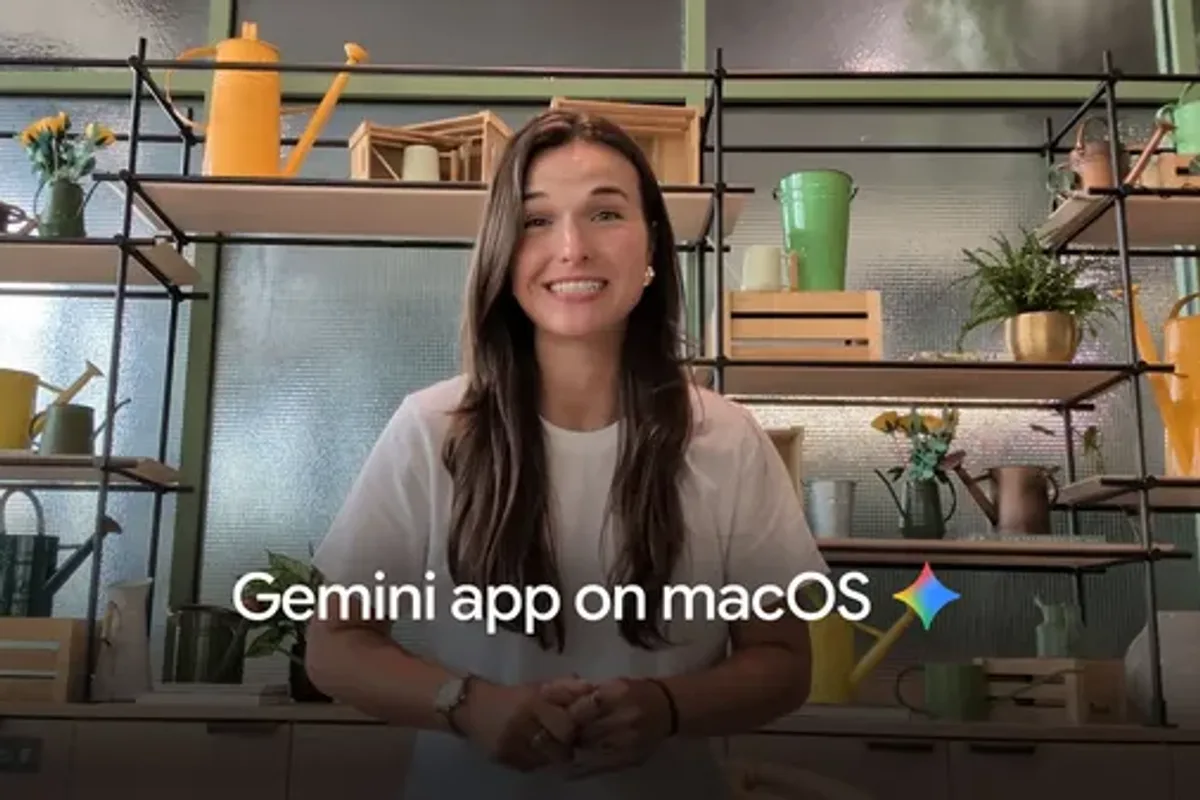
Rambler on Gboard for Android can turn free-form dictation into cleaned-up text in supported countries and languages. Google's macOS Gemini app uses intelligent dictation in English and can combine voice input with screen context.
On macOS, voice input can also trigger other Gemini models for tasks such as working with files or generating content. Chrome support is planned but was still listed as coming soon when Google announced the model.
DeepMind's model card says Gemini 3.5 Transcribe is based on Gemini 3 Pro, with up to 96,000 tokens of input context and a 32,000-token text output. The broader direction is fairly clear: Google is treating transcription less as an isolated speech utility and more as an interface through which users can operate AI software.