
 By Kilam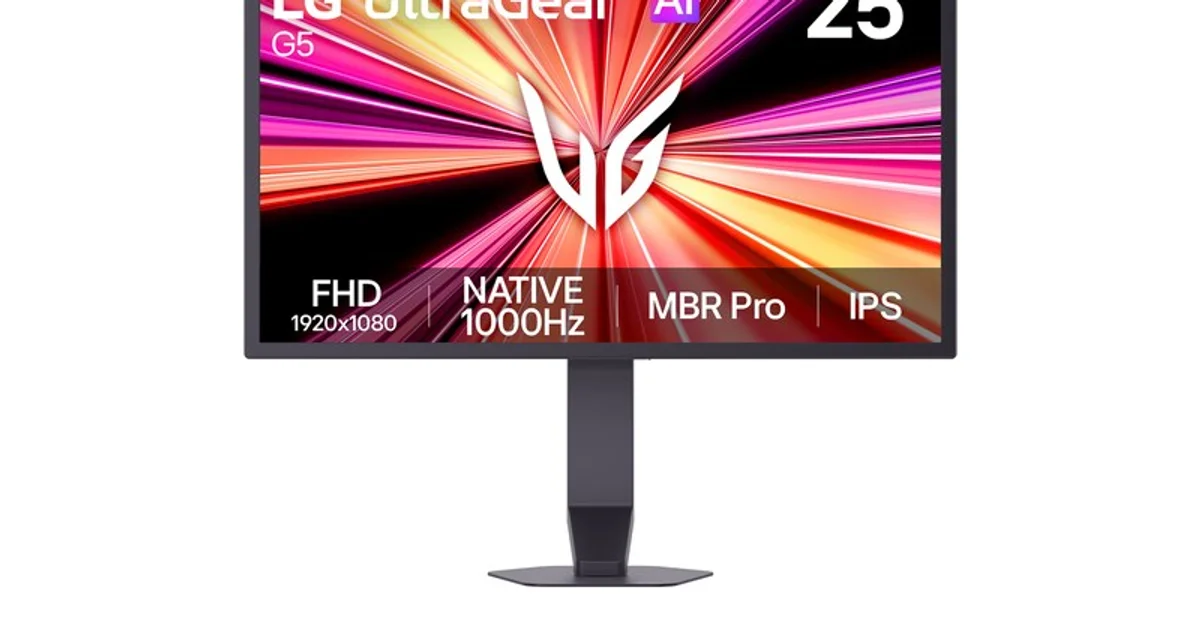
LG originally introduced the 25G590B in May and has now announced US pricing and availability at $999.99.
The monitor uses a 24.5-inch IPS panel, marketed in some regions as a 25-inch model, with a 1920 × 1080 resolution and a native 1000Hz refresh rate.
That word “native” is important. The monitor does not have to drop to 720p or switch into a lower-resolution dual mode to reach its headline refresh rate.
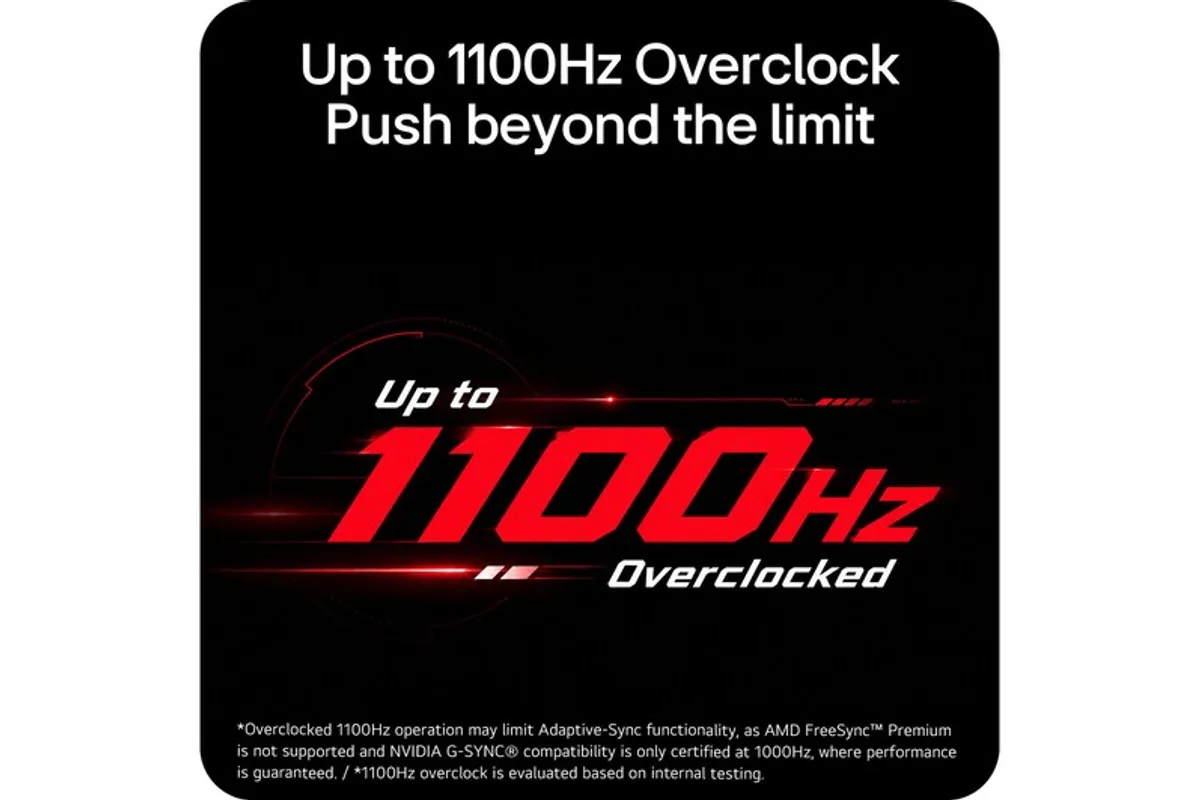
An overclock mode pushes the panel as high as 1100Hz.
1000Hz does not automatically mean 1000 fps
LG explicitly warns about this in its own documentation. A display accepting a 1000Hz signal does not guarantee that a game will render 1000 frames per second.
Refresh rate and frame rate are different limits. The display determines how frequently it can begin showing a new image. The game engine, CPU, GPU, graphics settings and sometimes hard-coded frame caps determine how often a new frame actually exists.
At 1000Hz, one refresh period lasts 1ms. At 500Hz it is 2ms. At 240Hz it is roughly 4.17ms.
The absolute gain gets smaller as refresh rates climb. Moving from 60Hz to 120Hz removes more than eight milliseconds from a refresh interval. Moving from 500Hz to 1000Hz removes one.
One millisecond can still matter in a competitive latency chain where the mouse, CPU, game simulation, rendering queue, GPU and display each contribute their own delay.
The CPU quickly becomes the harder limit
Rendering at lower resolution does not solve every performance problem once frame rates reach several hundred frames per second.
With a powerful GPU at 1080p, competitive titles can become heavily CPU-limited. The processor has to execute game logic, prepare draw calls, simulate the world and feed the GPU quickly enough to sustain extremely short frame times.
At 1000 fps, the average frame budget is only about one millisecond.
A 2ms or 3ms frame-time spike that would look excellent on a conventional gaming monitor suddenly represents a large deviation from the target.
That is why hardware like this makes far more sense around Counter-Strike, Valorant and heavily optimized esports titles than a graphically intensive single-player game with path tracing.
LG chose IPS rather than TN for the four-digit refresh-rate race
The panel is IPS and includes an ATW polarizer. LG specifies typical 99% sRGB coverage and VESA DisplayHDR 400 certification.
That is notable because extreme competitive monitors have historically leaned heavily on TN technology to prioritize pixel speed, often accepting weaker viewing angles and image characteristics.
The 25G590B tries to avoid that old binary choice: four-digit refresh while retaining an IPS panel and Full HD resolution in its fastest native mode.
DisplayHDR 400 does not turn it into a premium HDR display. Speed remains the reason this product exists.
MBR Pro improves motion clarity by giving something else up
LG includes Motion Blur Reduction Pro, which reduces perceived persistence by briefly controlling the backlight between displayed frames.
Reducing image hold time can make moving objects appear sharper to the eye.
There is a significant tradeoff. AMD FreeSync Premium and NVIDIA G-SYNC Compatible are disabled while MBR Pro is active.
Players therefore have to choose between backlight-based persistence reduction and variable refresh.
The best option will depend heavily on frame-time consistency. A very stable, extremely high frame rate may favor MBR. A more variable workload is more likely to benefit from Adaptive-Sync.
1100Hz adds another compromise
The overclock mode increases refresh to 1100Hz, cutting the refresh interval to roughly 0.91ms.
LG says AMD FreeSync Premium is not supported at that setting, while NVIDIA G-SYNC Compatible certification only extends to 1000Hz.
Those final 100Hz are therefore an extreme performance mode rather than a completely free upgrade that preserves every other display feature.
LG also notes that 1100Hz operation is based on its internal overclock testing.
DisplayPort 2.1 UHBR20 is not decorative
Connectivity includes one DisplayPort 2.1 UHBR20 input and two HDMI 2.1 ports.
LG recommends DisplayPort for 1000Hz operation and specifies the latest Windows 11 version and up-to-date graphics drivers.
The company says it verified Full HD 1000Hz signal operation on systems using GeForce RTX 50-series cards and several Radeon RX 7000 and RX 9000-series GPUs.
Signal compatibility still does not mean those cards will generate 1000 fps in every game. It means the display path can accept and process the refresh rate.
Even the stand was designed around competitive FPS
The 24.5-inch format is deliberate.
That size remains common in esports because much of the screen can stay inside the player's field of view with limited head movement, while the physical monitor leaves more desk space for large mouse movements at low sensitivity.
LG says the stand base occupies 49% less desk area than the base used by its similarly sized 25G550B.
Height, swivel and tilt adjustment are available, and an integrated FPS counter can display performance information directly through the monitor interface.
A 1000Hz monitor becomes a benchmark for the whole PC
The easy question is whether somebody can see a difference between 500Hz and 1000Hz.
The more useful question looks at the entire latency chain.
Higher refresh reduces the wait before the display can begin presenting newer information and improves temporal sampling of motion, but the practical result depends on how consistently the rest of the system delivers frames.
Mouse polling, USB latency, CPU scheduling, the rendering queue, GPU workload and frame-time consistency all become increasingly visible as the display itself gets faster.
The 25G590B does not fix any of those components. It simply makes the panel much harder to blame.
$999.99 to chase the last fractions of a millisecond
US pricing is $999.99, an enormous amount for a 1080p monitor and enough to buy many larger, higher-resolution or OLED alternatives.
The UltraGear is not trying to win that comparison on versatility.
Its target customer is paying specifically to move one limit as far away as possible: native 1000Hz without dropping below Full HD, a 1100Hz overclock, DisplayPort 2.1 and an esports-oriented 24.5-inch format.
At 60Hz or 144Hz, the display itself could still be an obvious latency bottleneck. At 1000Hz, LG is mostly asking you to audit everything that comes before it.