
 By Camille
Dolby Vision controls the HDR side of the equation
Dolby Vision is an HDR technology designed to preserve and reproduce a wider range of brightness, contrast, color and detail than standard dynamic-range video.
One of its defining features is dynamic metadata. Instead of relying solely on static information that describes an entire program, Dolby Vision can carry instructions that change with individual shots or scenes and help map the mastered image to the capabilities of a particular display.
Dolby's professional documentation also specifies support for 12-bit color depth. That describes the format's capability, not a guarantee that every television carrying a Dolby Vision badge has a native 12-bit panel.
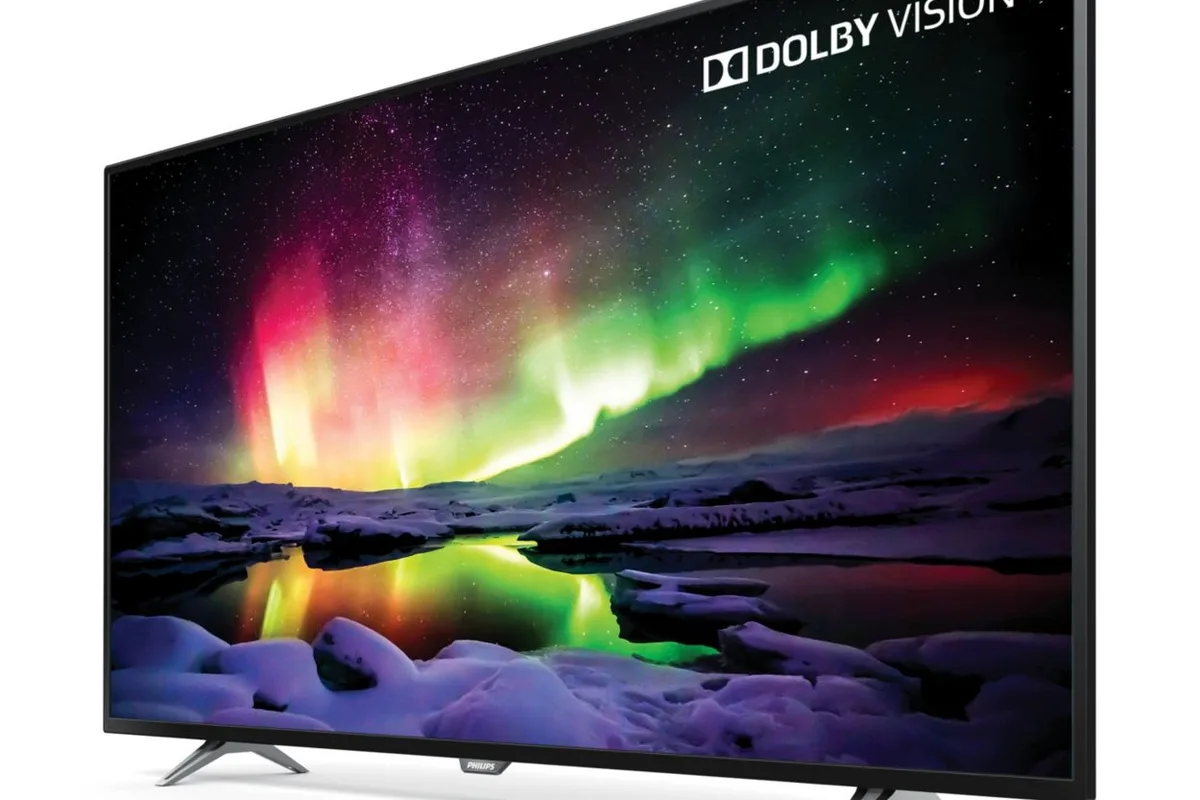
That last distinction matters. Dolby Vision can give a display better information, but it cannot manufacture contrast, brightness or color volume that the physical panel does not possess.
Dolby Vision 2 is now entering actual living rooms
The current picture is slightly more complicated because Dolby Vision 2 began reaching compatible 2026 Hisense televisions in August. Dolby's second-generation system adds a new image engine and Content Intelligence on top of the established Dolby Vision foundation.
It can adapt the image using information about the content, display and viewing environment. Dolby Vision 2 Max adds capabilities aimed at higher-performance televisions, including Light Sense 2 and Authentic Motion.
For buyers, that means the words Dolby Vision no longer describe the newest tier by themselves.
Atmos is an audio system, not an HDR feature
Dolby Atmos represents sounds in three-dimensional space. Its object-based approach allows a mix to carry positional information so compatible playback hardware can render those sounds around and above the listener.
A traditional 5.1 or 7.1 layout still describes speakers around the room. Atmos adds height. In a 7.1.4 system, the final four represents four overhead or height channels.
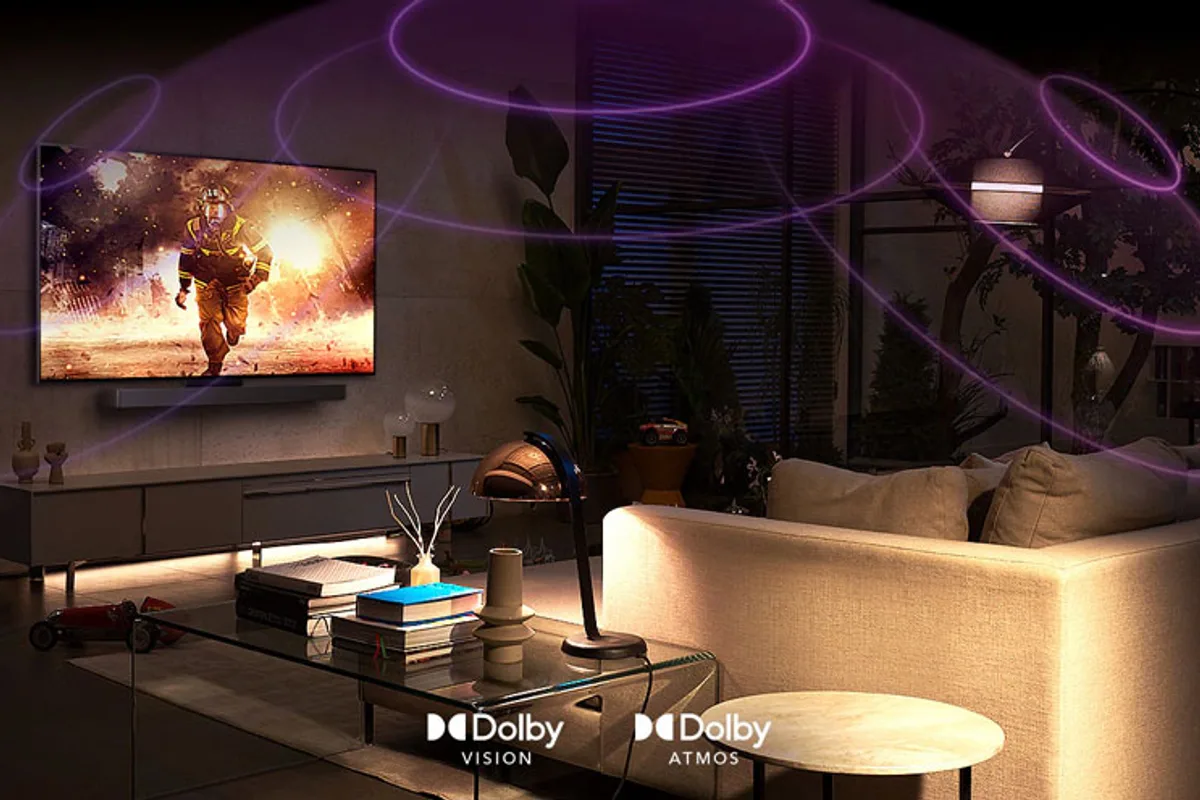
Dolby says Atmos mixes can contain up to 128 simultaneous audio objects. The home renderer then adapts the mix to the equipment actually available rather than requiring every living room to reproduce a cinema speaker layout.
That flexibility is why the Atmos badge can be misleading
A television with built-in speakers can support Dolby Atmos. So can a single soundbar, a soundbar with wireless surrounds, or an AV receiver driving a room full of speakers.
Those are all legitimate Atmos playback devices. They are not acoustically equivalent.
TV speakers may use processing to create a larger apparent sound field. Up-firing soundbar drivers can use ceiling reflections to create height. Dedicated ceiling speakers have a much more direct physical route to the listener.
Compatibility has to survive the entire chain
A Dolby Vision movie requires a compatible version of the content, a player or app capable of delivering it and a display capable of decoding it. Add an AV receiver or soundbar between the player and television and that device may also need to pass the Vision signal correctly.
Atmos works in much the same practical way. The title needs an Atmos soundtrack, the service has to make that version available to the account and playback device, and the audio path has to deliver a compatible signal to the speakers or receiver.
This is why two people subscribing to the same streaming service can see different Dolby badges on the same title.
ARC and eARC do not mean the same thing
Streaming Atmos is commonly carried in Dolby Digital Plus, which can work over conventional HDMI ARC in compatible equipment. Lossless Dolby TrueHD with Atmos, commonly associated with UHD Blu-ray, needs substantially more bandwidth.
HDMI eARC is the usual route when a television needs to return that higher-bandwidth audio to an AV receiver or soundbar.
So an ARC-only system is not automatically incapable of Atmos. It simply has tighter limits on which Atmos transport formats it can carry.
Which one should matter more when buying a TV?
For a television used without external audio hardware, Dolby Vision can be the more obvious upgrade because it directly affects the panel's picture reproduction. Built-in Atmos is still constrained by the size and position of the television's speakers.
Connect a capable soundbar or a real multichannel speaker system and Atmos becomes much more consequential. A display can make an explosion look better. It cannot put that explosion behind or above the sofa.
Check the hardware, not only the logos
- Confirm whether the display supports Dolby Vision, Dolby Vision 2, or neither.
- Check the actual HDR performance of the panel instead of treating Vision certification as a picture-quality score.
- Find out whether the TV decodes Atmos itself or passes it to external audio equipment.
- Check whether a soundbar has physical height channels, surrounds, or mostly virtual processing.
- Verify that the streaming app and subscription tier offer the Dolby formats on the playback device you use.
- Check ARC/eARC and HDMI passthrough requirements when several devices sit in the signal chain.
Dolby Vision and Dolby Atmos can work extremely well together. They just solve two different problems.